On the product UI, an app can be rendered in any of the locations that the module supports. This module supports rendering an app only in the common placeholders. To render an app in the common placeholder, in manifest.json > modules.common.location.<placeholder-name>, you can specify the placeholder in the product’s left-navigation pane where the app is eventually rendered.
Note:Freshworks product apps are supported only as web apps (and not as mobile apps).
Common placeholders
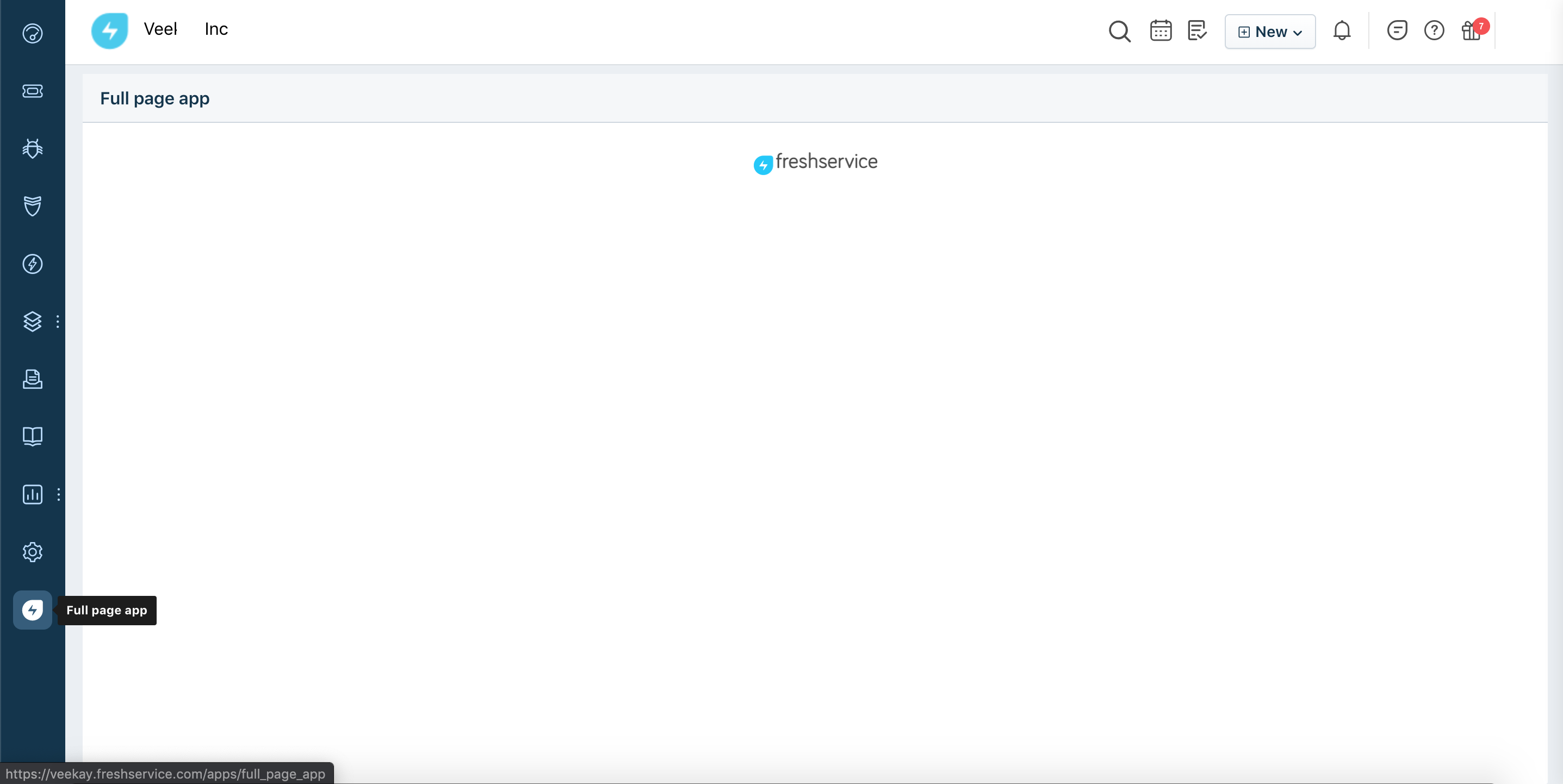
full_page_appFreshserviceFreshservice IT Asset Management
The app icon is displayed on the left navigation pane and when clicked, the app page occupies the entire viewport.
The placeholder can have only one active app at a time.
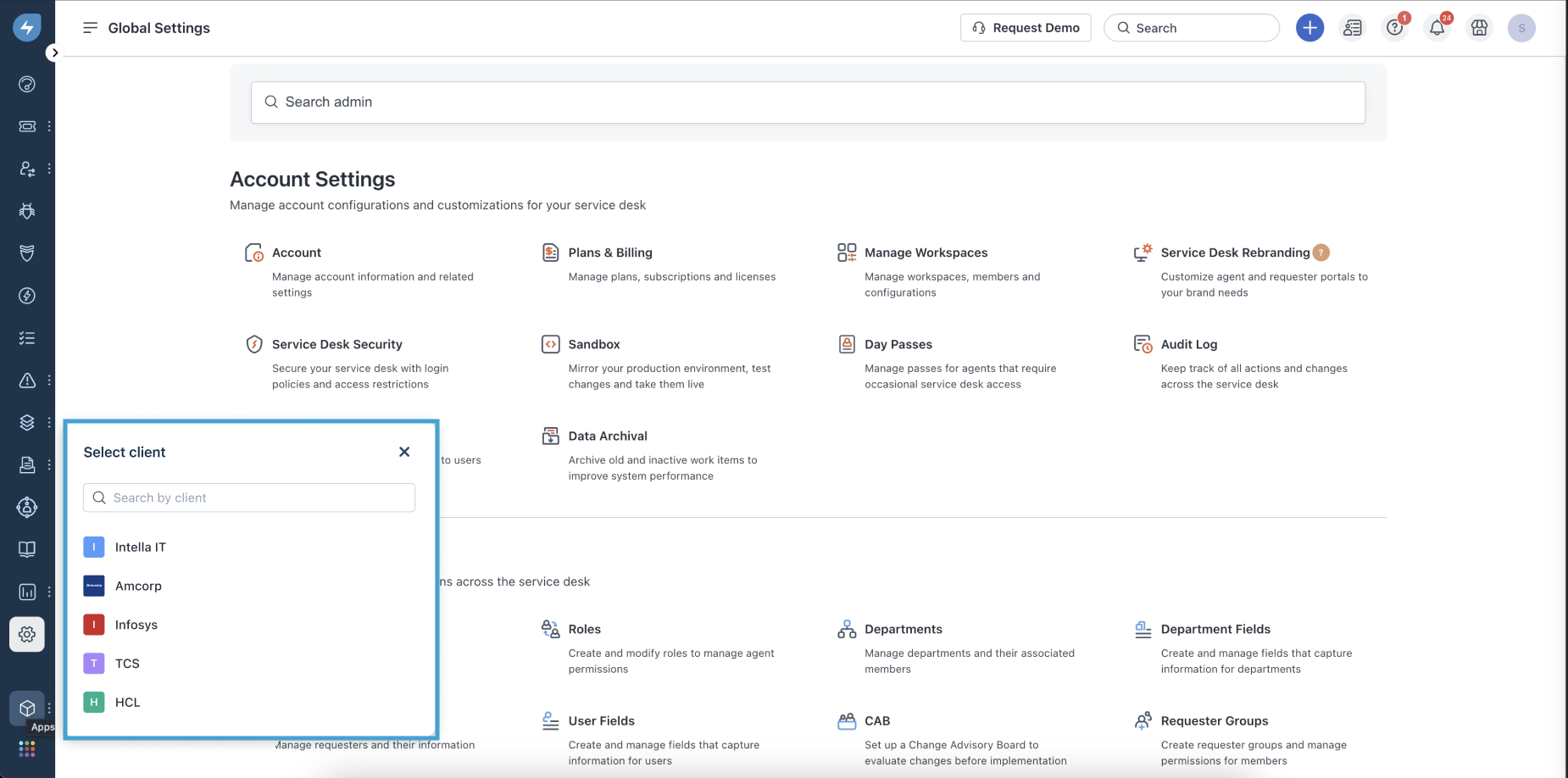
For an app installed at the client or workspace level: The app is rendered in the left navigation pane, and clicking on the app icon prompts you to select a client or workspace from a list of clients or workspaces you have installed the app for. Select the client(workspace) for which you want to view the app in the entire viewport. To learn more about installation scopes, see Configure app installation scope.
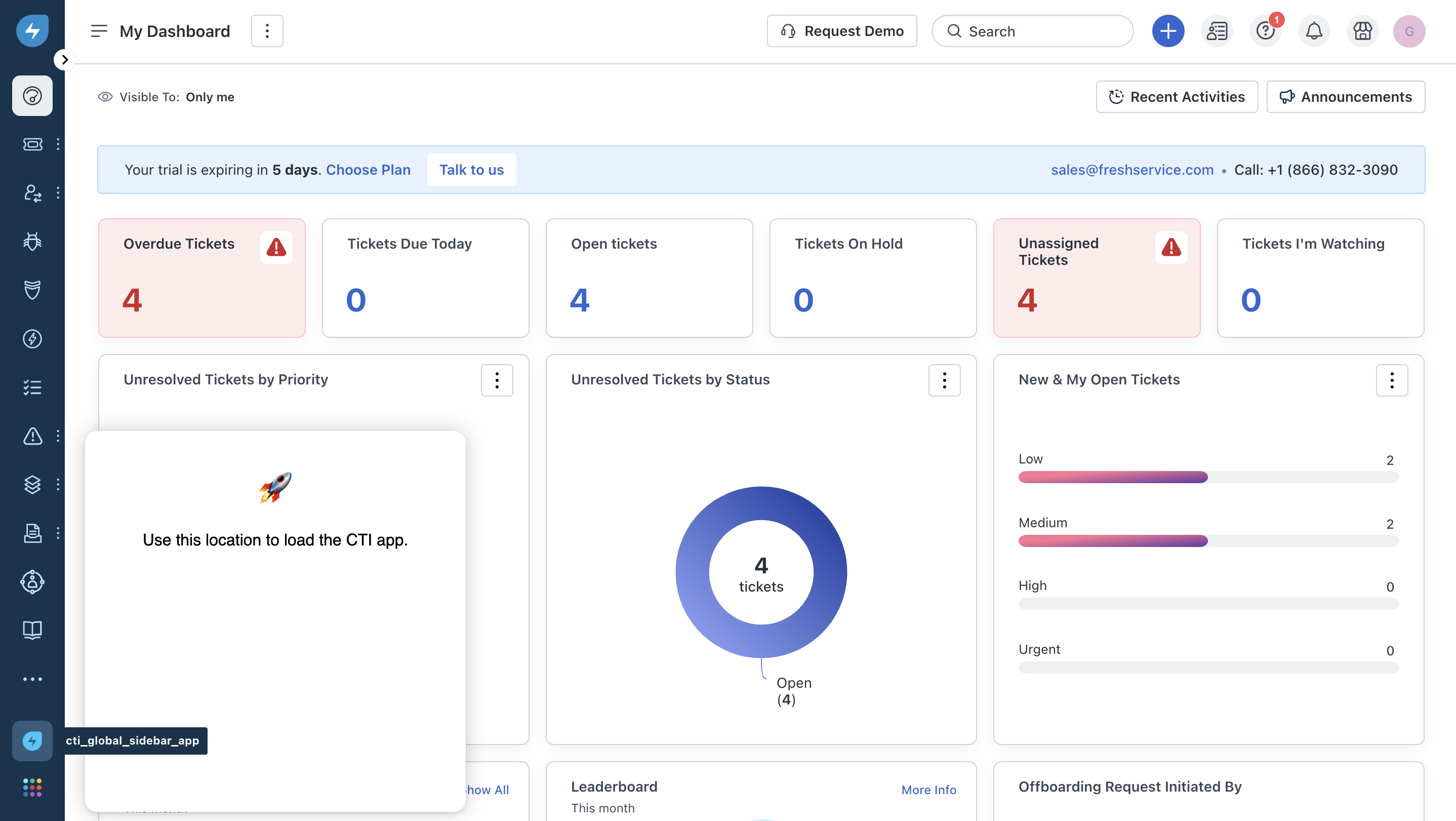
cti_global_sidebarFreshserviceFreshservice IT Asset Management
The app icon is displayed at the bottom-left corner. This location is allocated for an app that uses the Computer Telephony Integration (CTI) technology. The default width and height of the app are 360 pixels.
The placeholder can have only one active app at a time.
Note:The placeholder can have only one active app at a time. If the Freshworks product account has a native CTI app and a custom-built CTI app installed, then the native CTI app is given preference and will be displayed at the placeholder.
Important:- An app is rendered in this placeholder only if the app is installed at an account level.
- If the app is installed at the client or workspace level, the app does not render in this placeholder. To learn more about installation scopes, see Configure app installation scope.