This flow uses the FDK to generate a React starter app and run it locally.
Create the app
In a terminal, from an empty folder for your app:
fdk create
Select -> react-starter-template
Run it locally
fdk runWhen the build completes, the CLI starts a local testing server, for example:
App Built Successfully!
Starting local testing server at http://*:10001/
Append 'dev=true' to your current host URL to start testing
e.g:
  https://domain.freshdesk.com/a/tickets/1?dev=true
Subscribe to modules (first time per dev session)
You’ll subscribe to modules after you declare the ticket sidebar placement in manifest.json. Follow the table in Add full page and ticket sidebar placeholders.
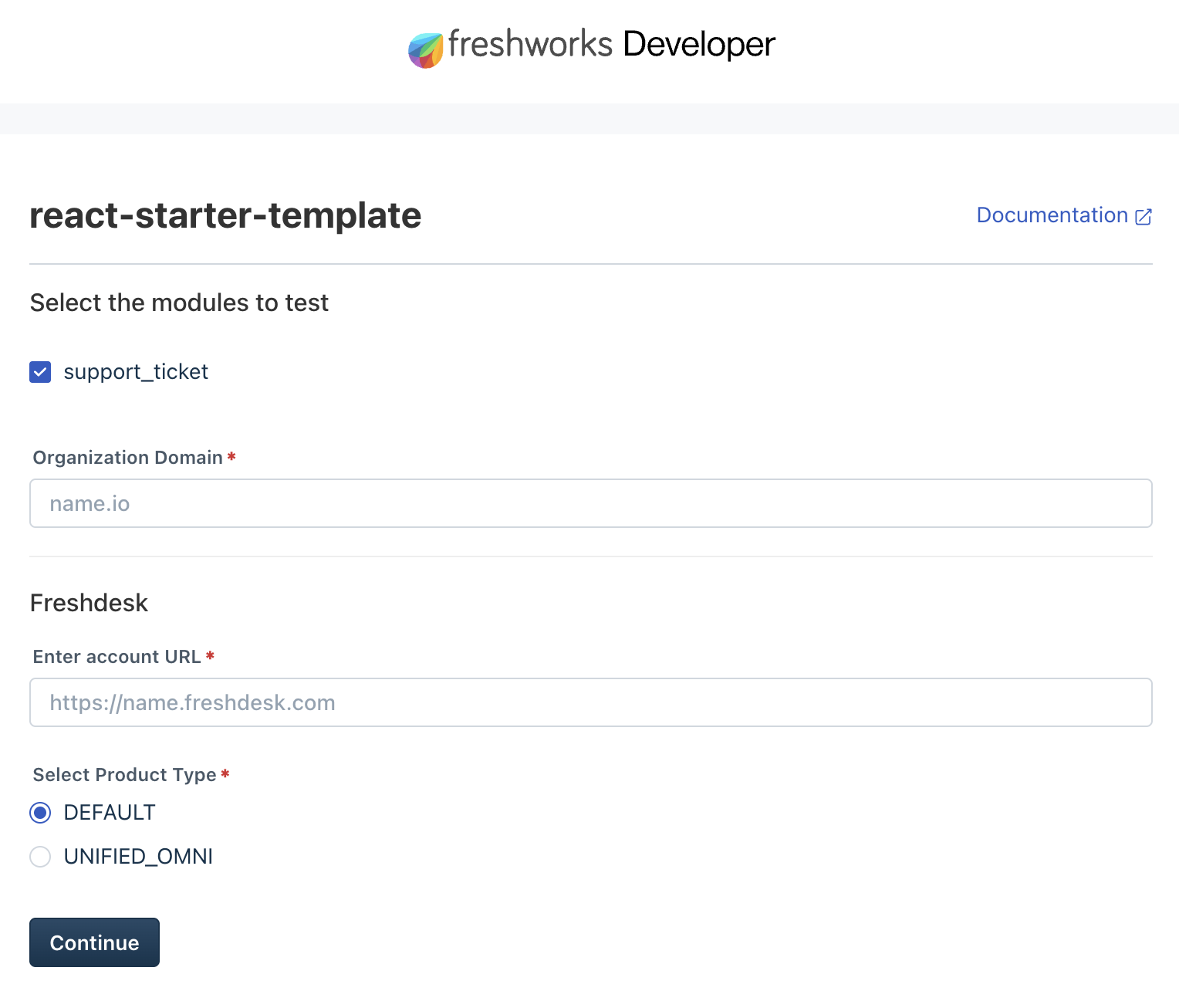 System settings page where you subscribe to modules for local testing
Open it in Freshdesk with dev mode
Append ?dev=true to your Freshdesk URL (or &dev=true if the URL already has query parameters):
https://yourcompany.freshdesk.com?dev=true - The full page app opens from the Apps launcher in Freshdesk (left rail).
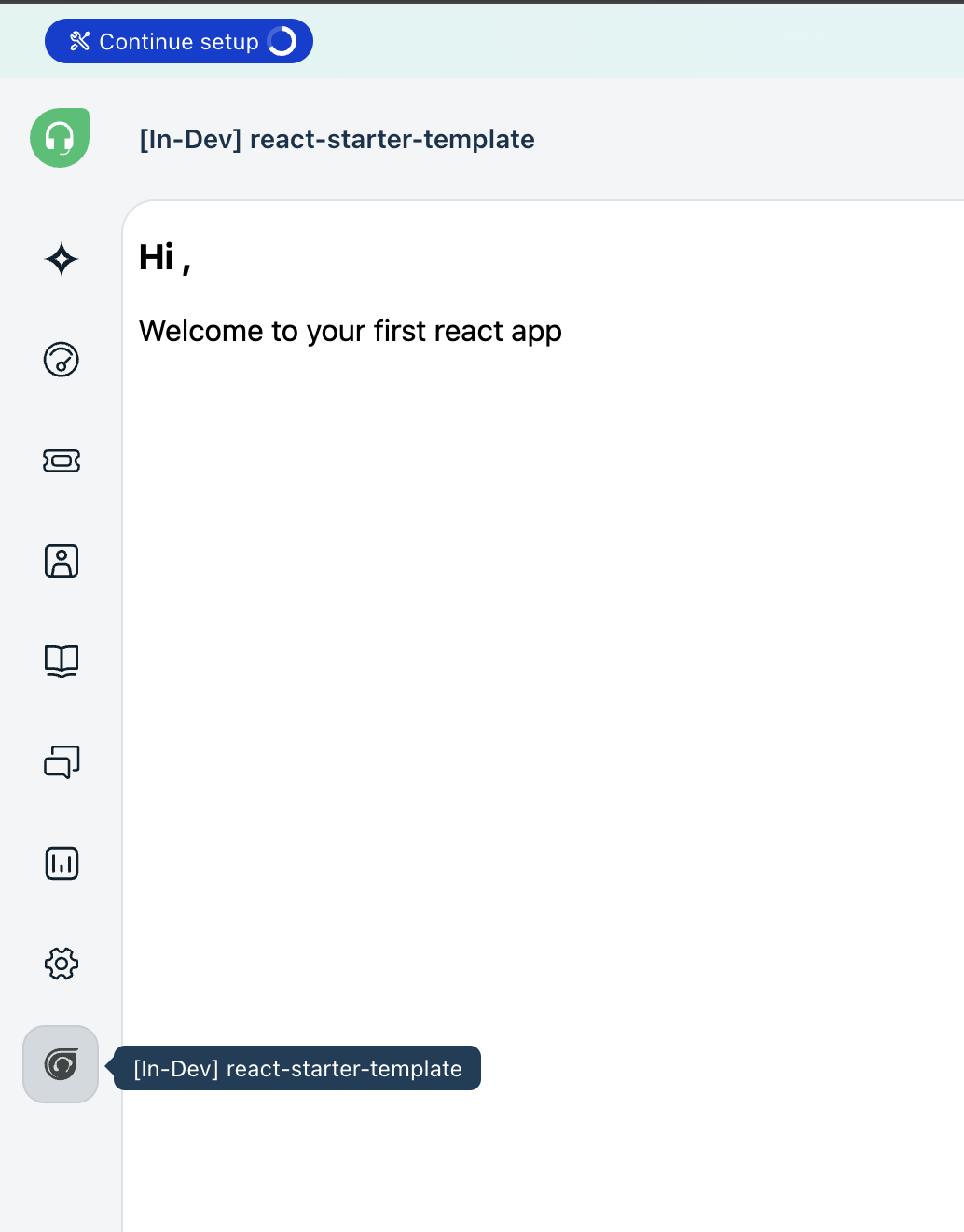 Full page app after you add dev=true and open Apps
Allow local access (first time only)
When your browser prompts you to allow local network access, choose Allow.
If you also see a prompt to allow access to other apps/services on your device, choose Allow.
Handy local helper URLs
Keep these bookmarked while you build:
| URL | What it does |
|---|---|
| http://localhost:10001/system_settings | Subscribe to modules, set Freshdesk account URL |
| http://localhost:10001/custom_configs | Fill the installation parameters form while developing |
| http://localhost:10001/web/test | Simulate serverless / product events |